
Step-by-Step Recorder Tools
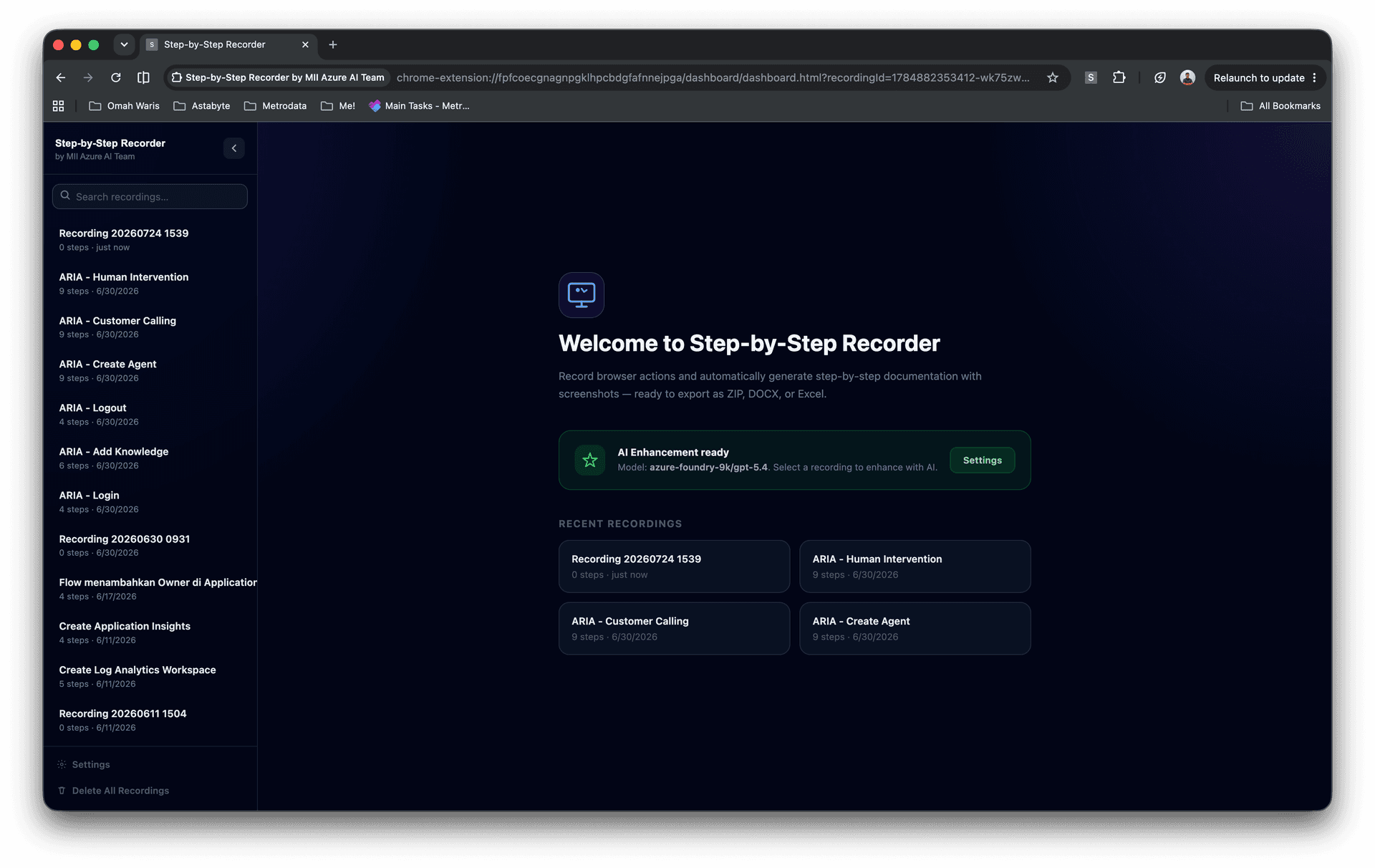
A Chrome extension that turns any workflow into illustrated step-by-step documentation.
At a glance
- 3Export formats: MD, DOCX, XLSX
- AutoScreenshot captured per step
- AIDrafted labels and descriptions




Overview
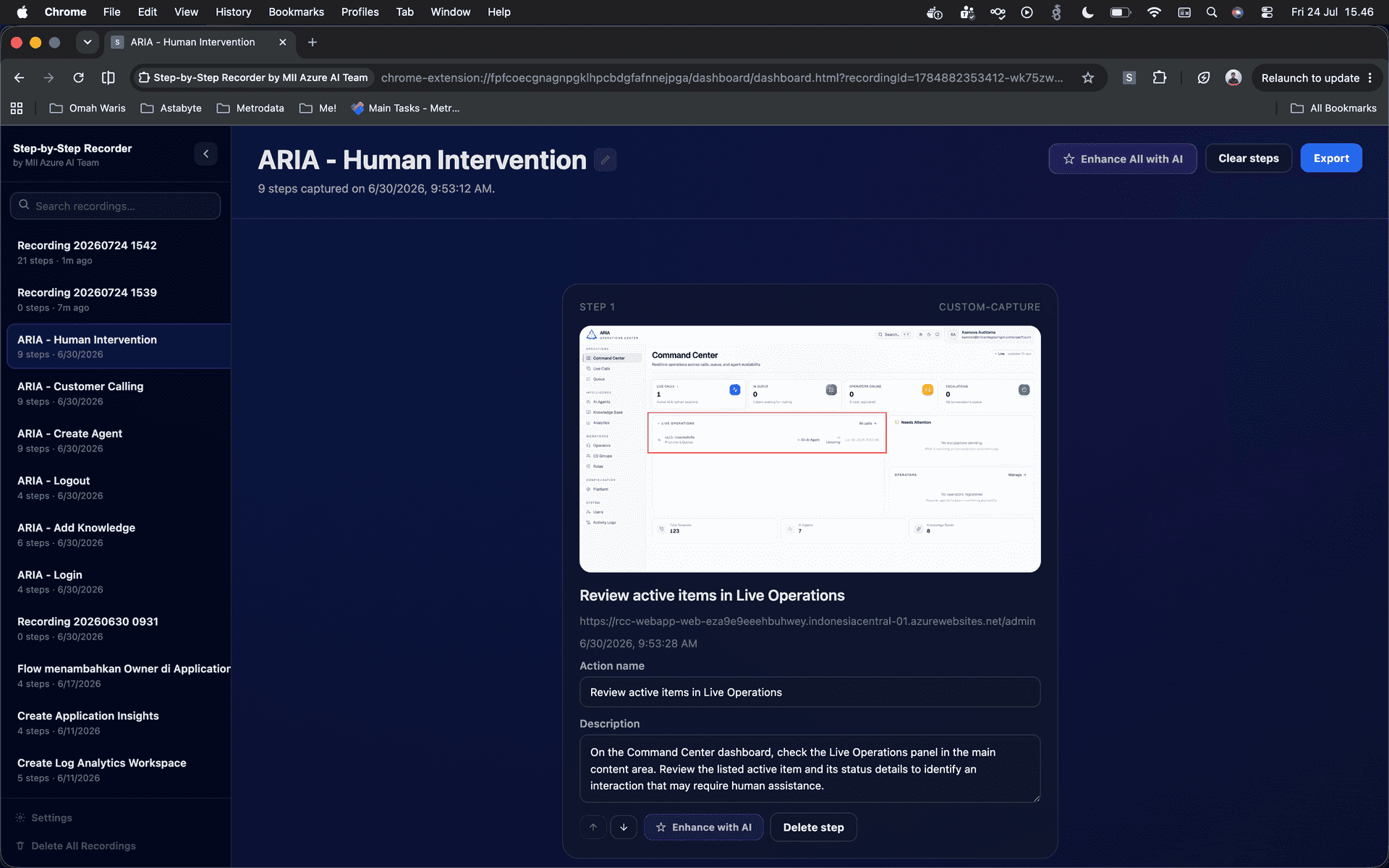
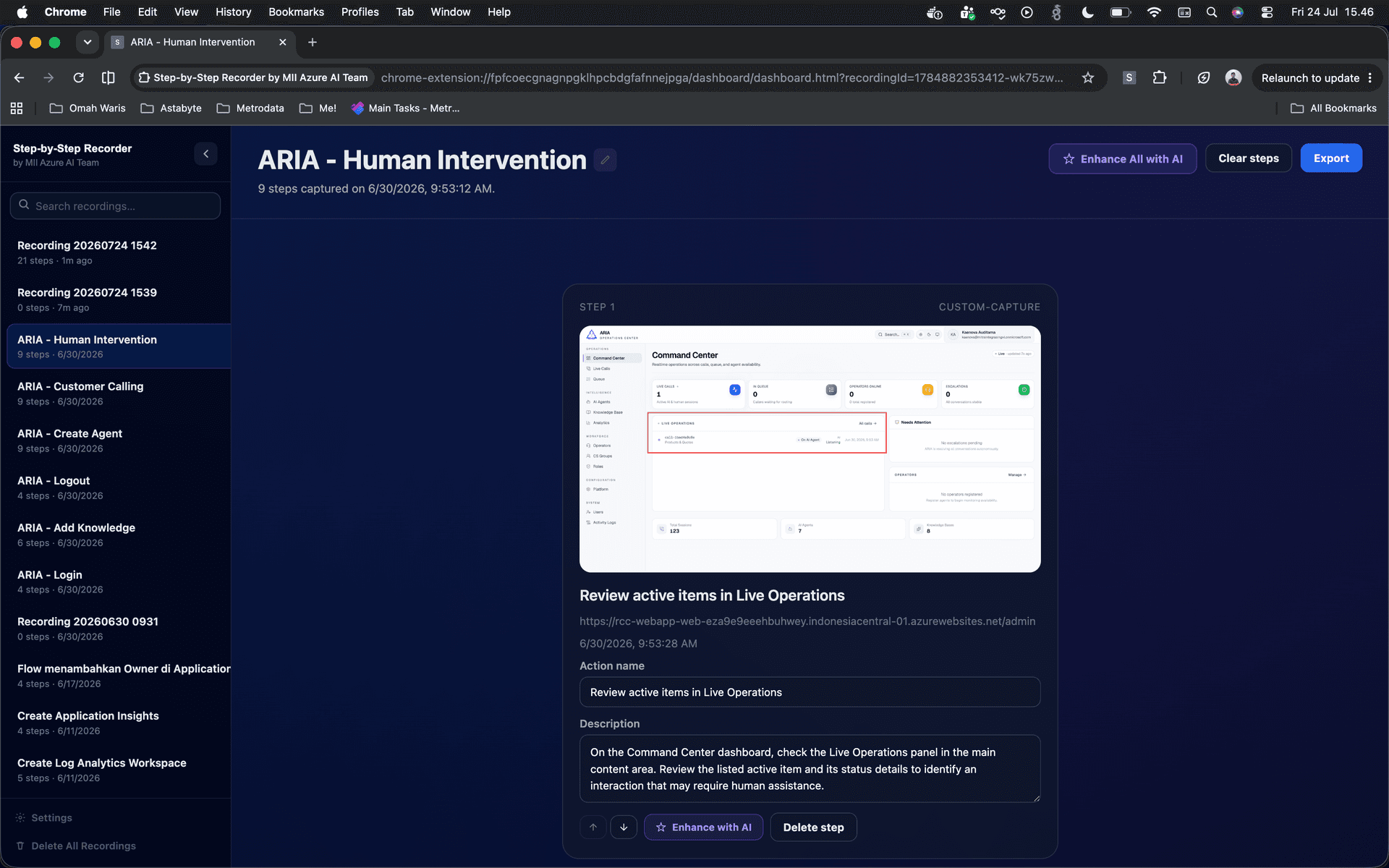
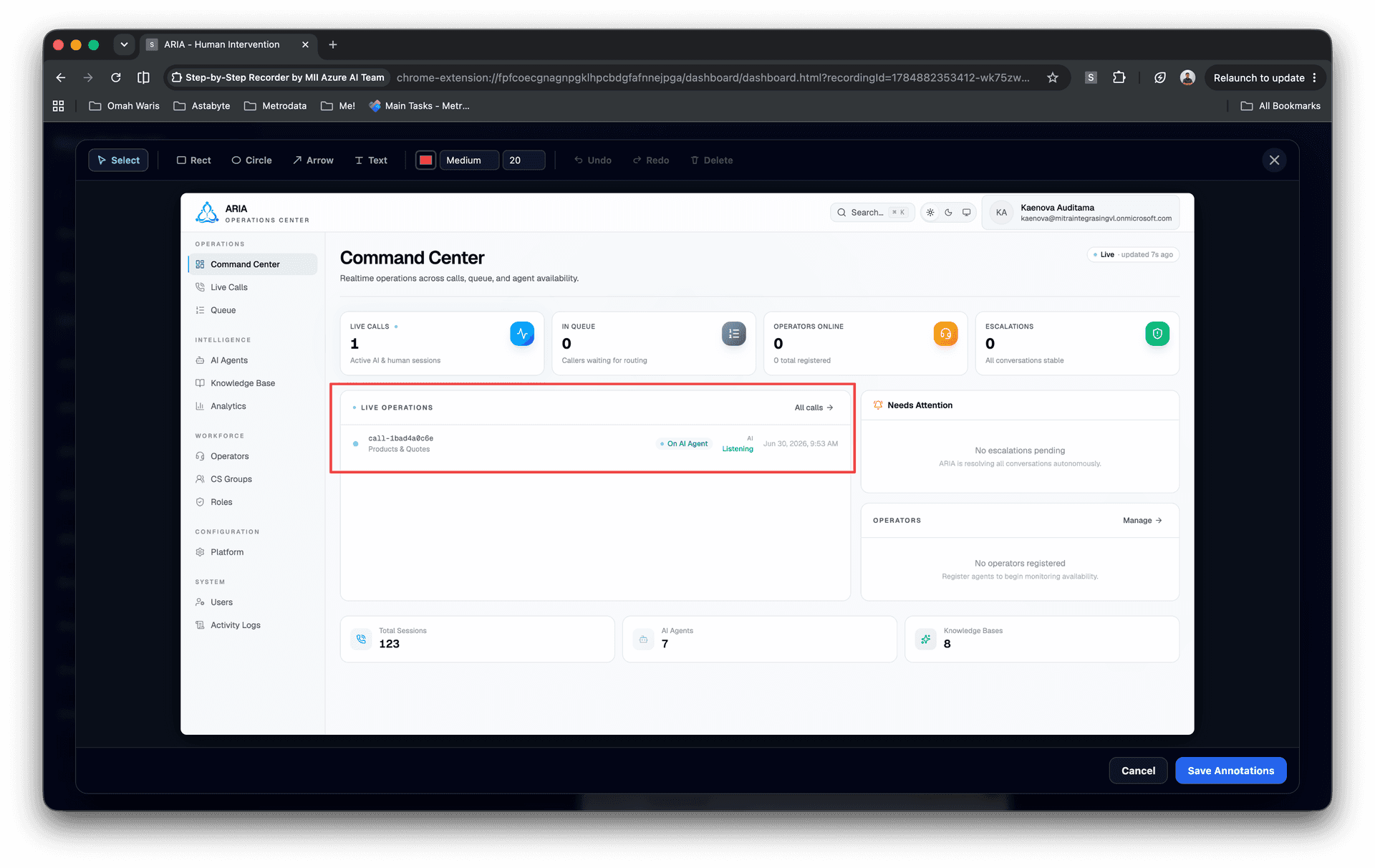
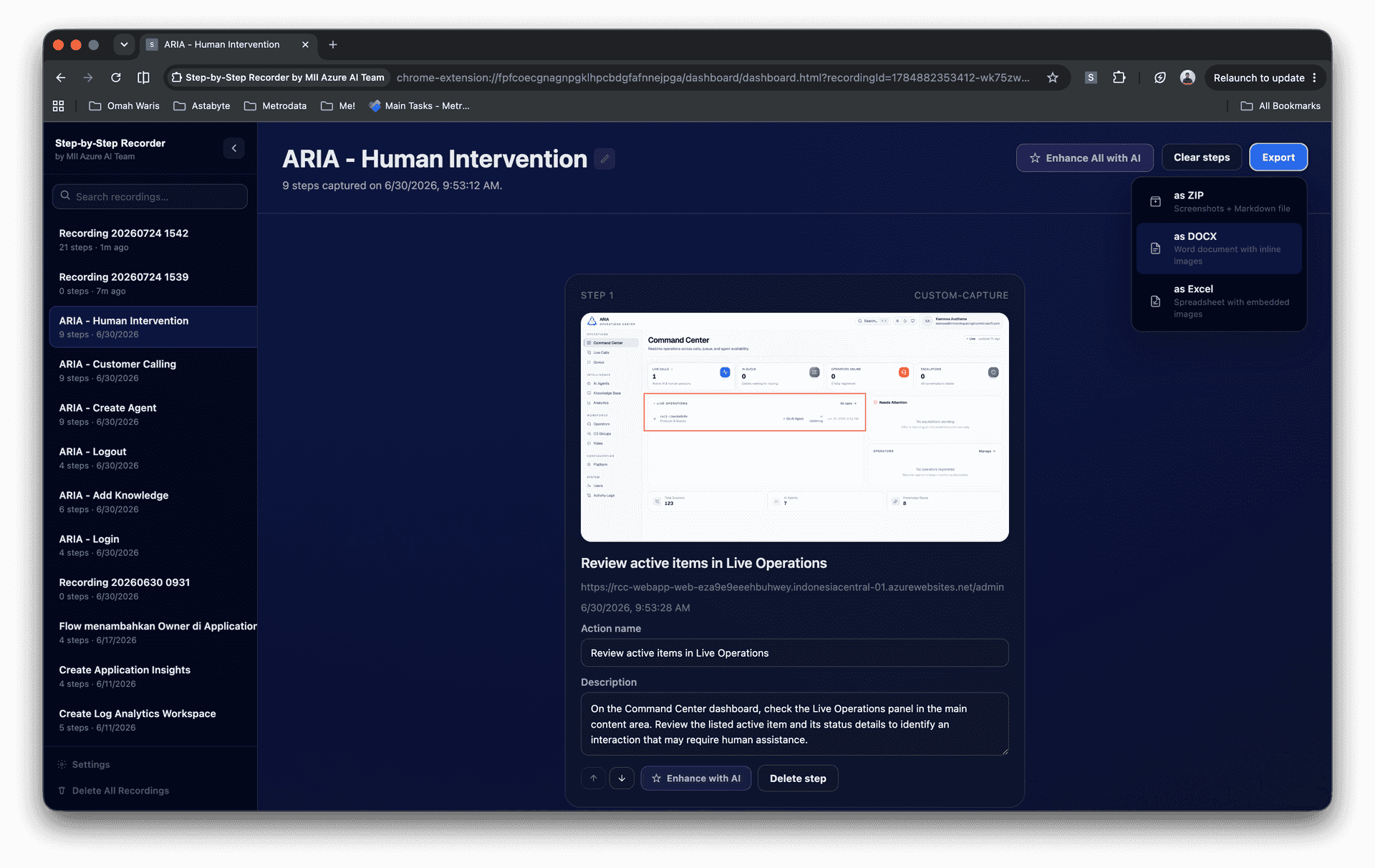
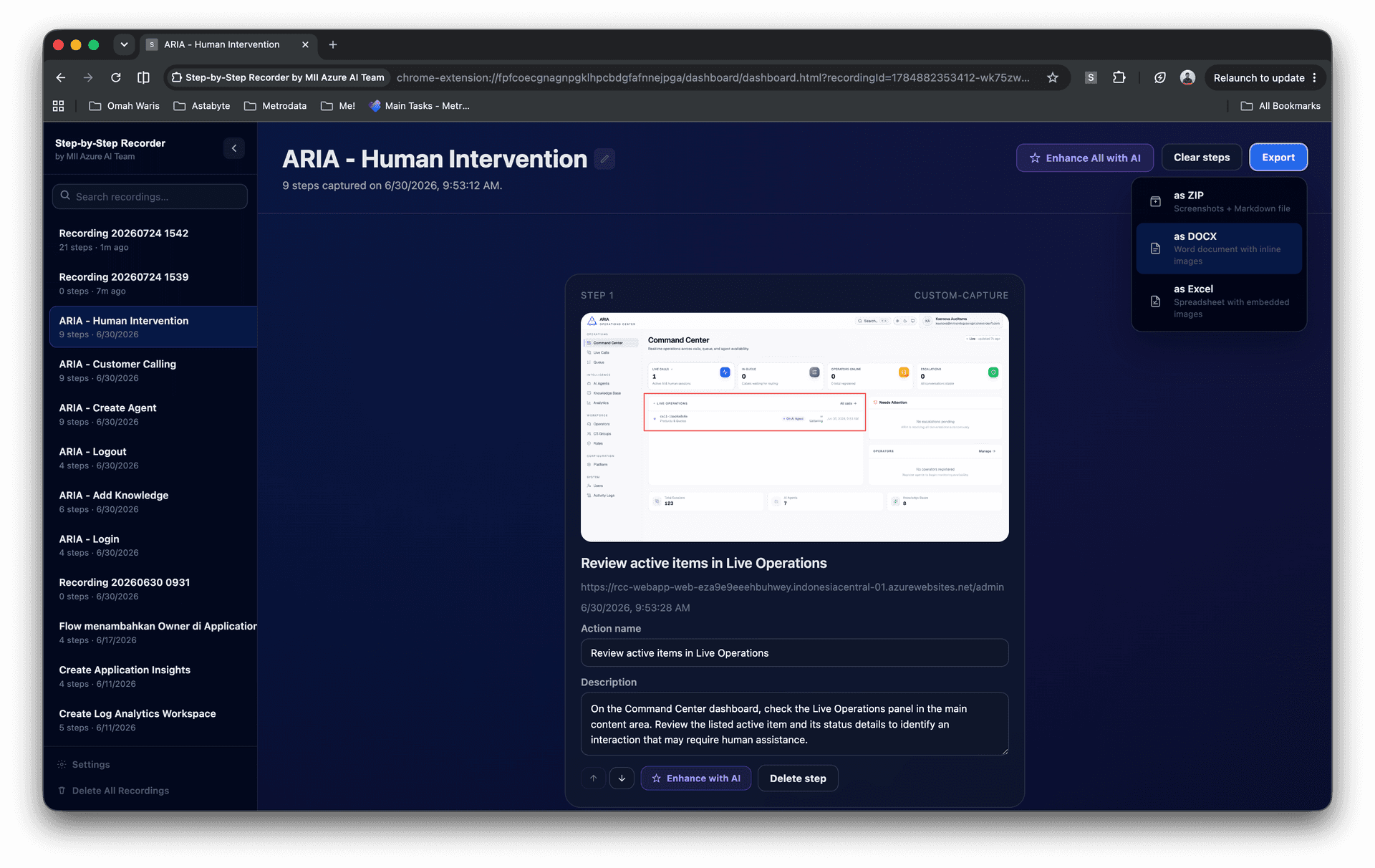
Records browser actions (clicks, typing, navigation) and captures a screenshot for every step, then exports polished guides to Markdown, Word, and Excel.
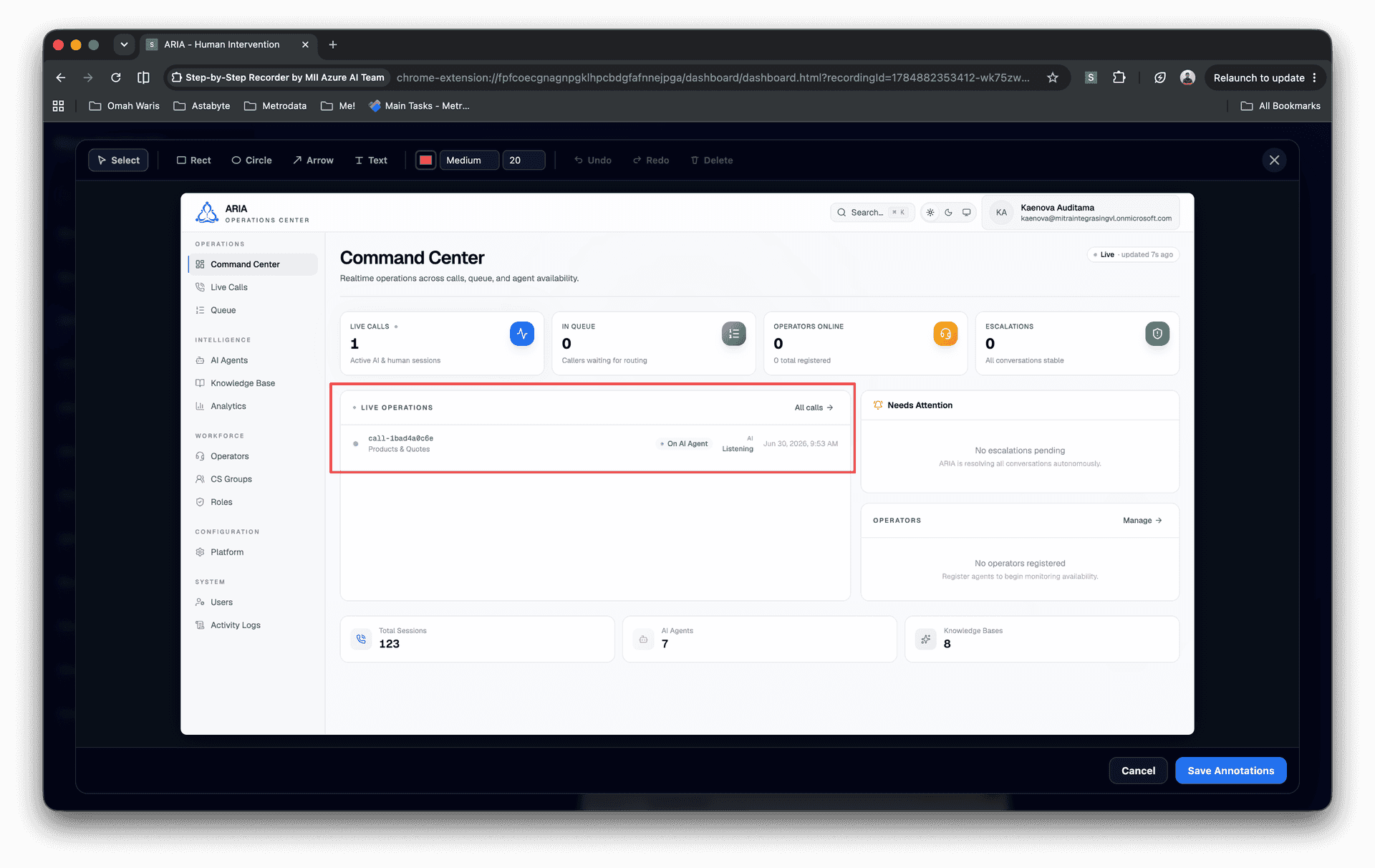
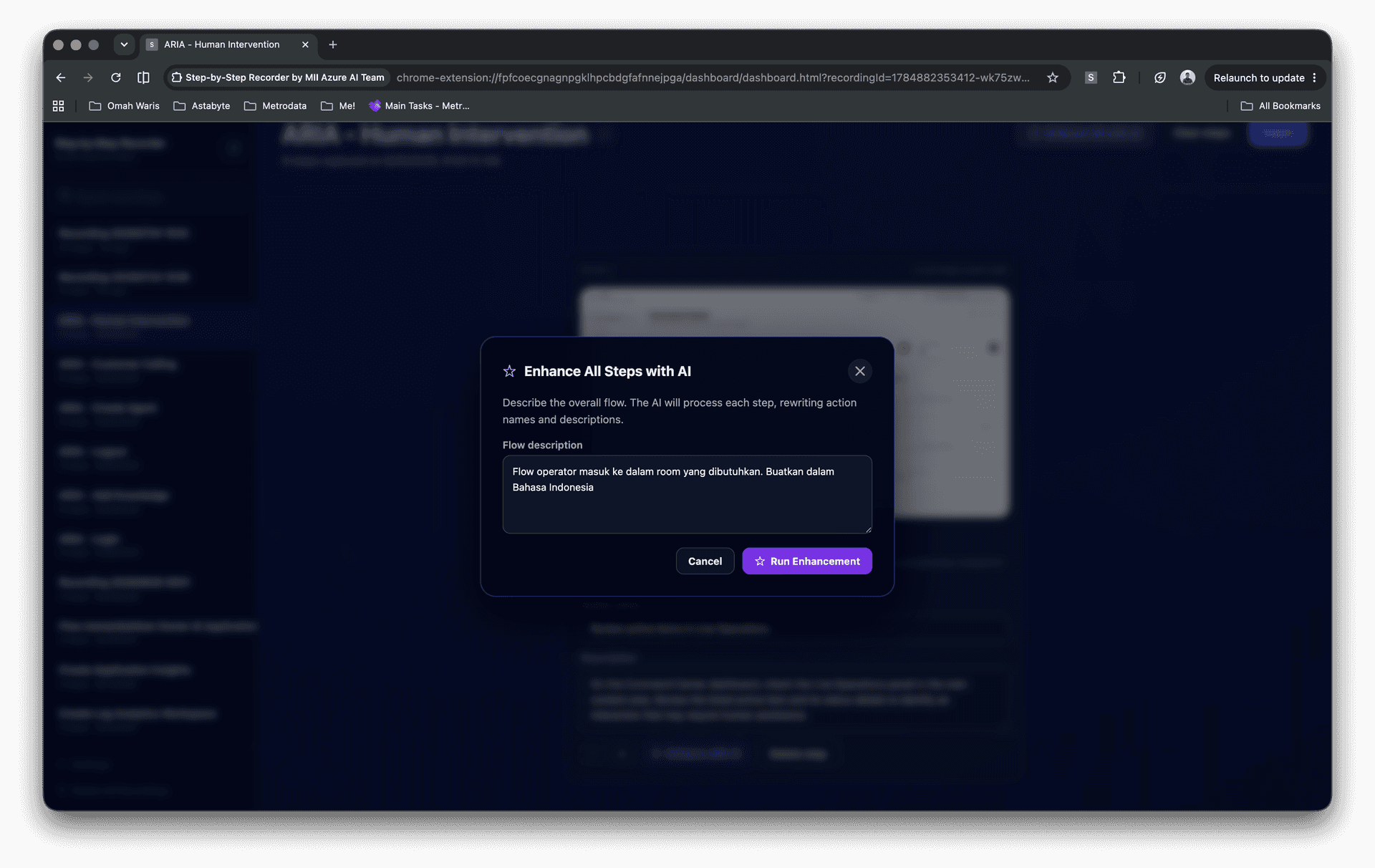
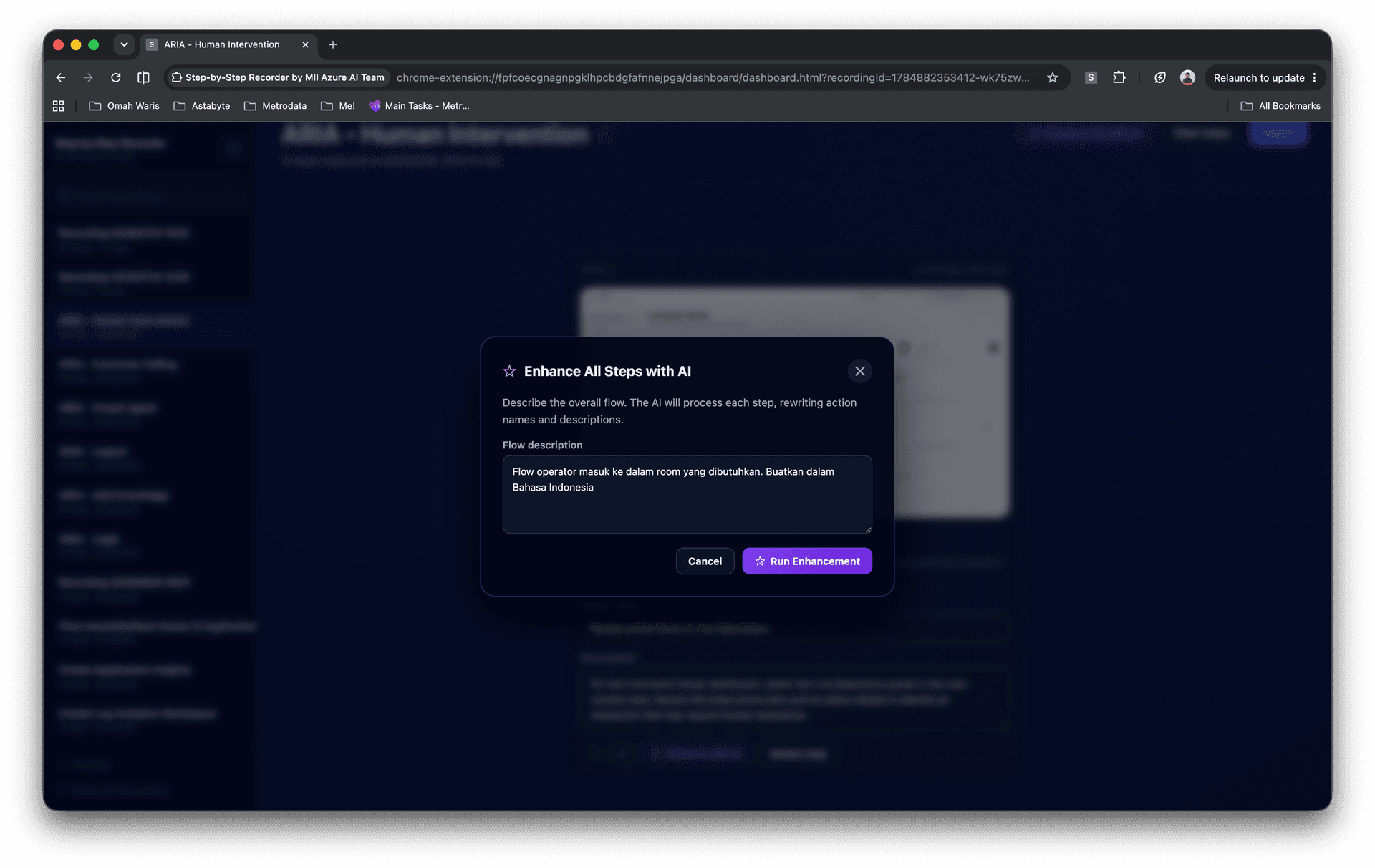
Optional AI assistance can write clear action labels and descriptions, while a built-in image editor lets users crop, annotate, and refine screenshots before export.
Case study
- 01
The challenge
Writing how-to guides and SOPs by hand requires capturing screenshots, naming each action, editing images, formatting documents, and repeating the process whenever the workflow changes. The result is slow to produce and quickly becomes outdated.
- 02
Our approach
A Chrome extension records each action with its screenshot, organizes the workflow into editable steps, lets users annotate images and adjust wording, uses AI to draft clear labels and descriptions, then exports the guide to Markdown, Word, or Excel.
- 03
The outcome
Complete illustrated documentation is generated in minutes, with editable steps, annotated screenshots, AI-drafted wording, and export-ready files for SOPs, onboarding, or knowledge bases.
- 04
Impact
Hours saved on documentation, more consistent formatting, easier onboarding material, and guides that can be refreshed quickly when processes change.
Technologies
06- Chrome Extension
- TypeScript
- OpenAI-compatible
- DOCX & XLSX export
- Screenshot Capture
- Workflow Documentation
Related work
Demand Forecasting with Microsoft Fabric
Demand forecasting built end-to-end on Microsoft Fabric.
- Microsoft Fabric
- Power BI
- Azure Machine Learning
- Lakehouse